
Copy and paste the program text in the file below to Owlet
Surviving the Darkness: A Guide to “Goblin Cave Adventure”
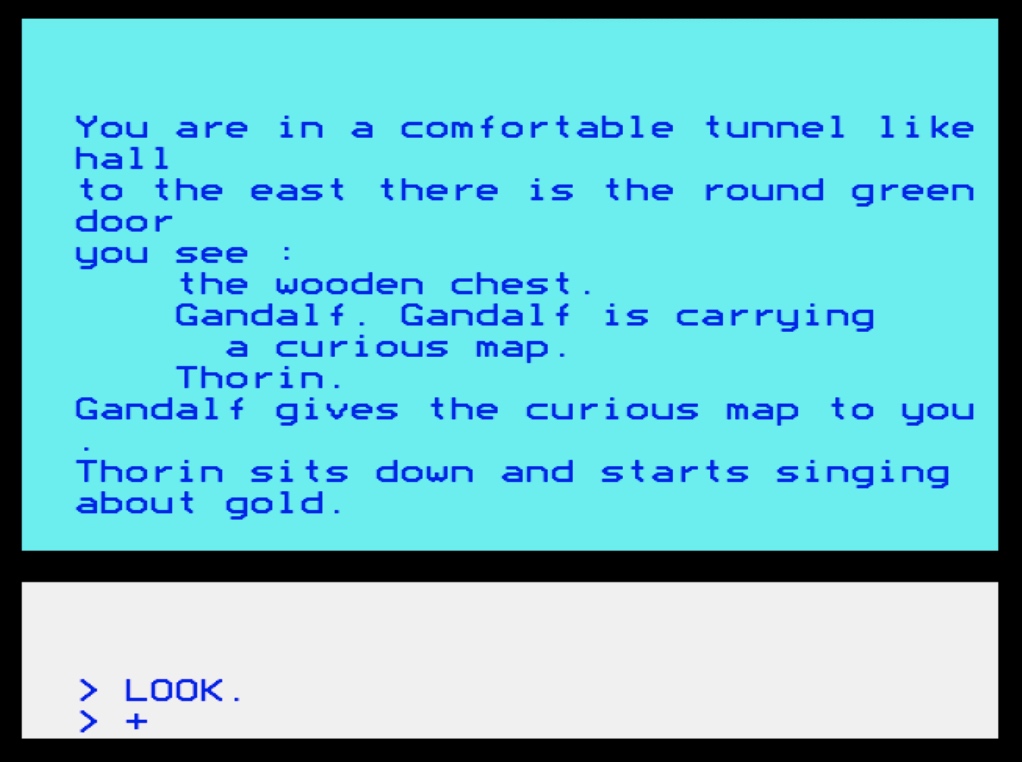
Picture this: It’s the early 1980s. The room is dark, save for the warm, phosphor glow of a CRT monitor. The mechanical clatter of your Acorn BBC Micro keyboard echoes as you frantically type “KILL NASTY GOBLIN”. You are playing Melbourne House’s legendary 1982 text adventure, The Hobbit.
What made that game so magical wasn’t just the graphics or the prose; it was the fact that the world felt alive. Characters didn’t just wait for you in rooms—they wandered, they fought, they got lost, and they died while you were off doing something else entirely.
I wanted to recapture that exact feeling. I wanted to build a game that felt like a lost cassette tape from 1984, but with a modern twist: infinite replayability.
The result is Goblin Cave Adventure, a procedurally generated, living text adventure written entirely in authentic BBC BASIC II.
The Motivation: 32KB of Living Ecosystem
My goal was simple but technically daunting: Could I build a procedurally generated maze, an auto-mapper, a real-time command parser, and an ecosystem of autonomous NPCs that loot items, unlock doors, and fight each other… all within the brutal constraints of the BBC Micro’s memory?
Because BBC BASIC II lacks modern luxuries like multi-line IF…ENDIF blocks, the code is a beautiful, tangled web of single-line logic, clever array management, and Mode 7 Teletext trickery.
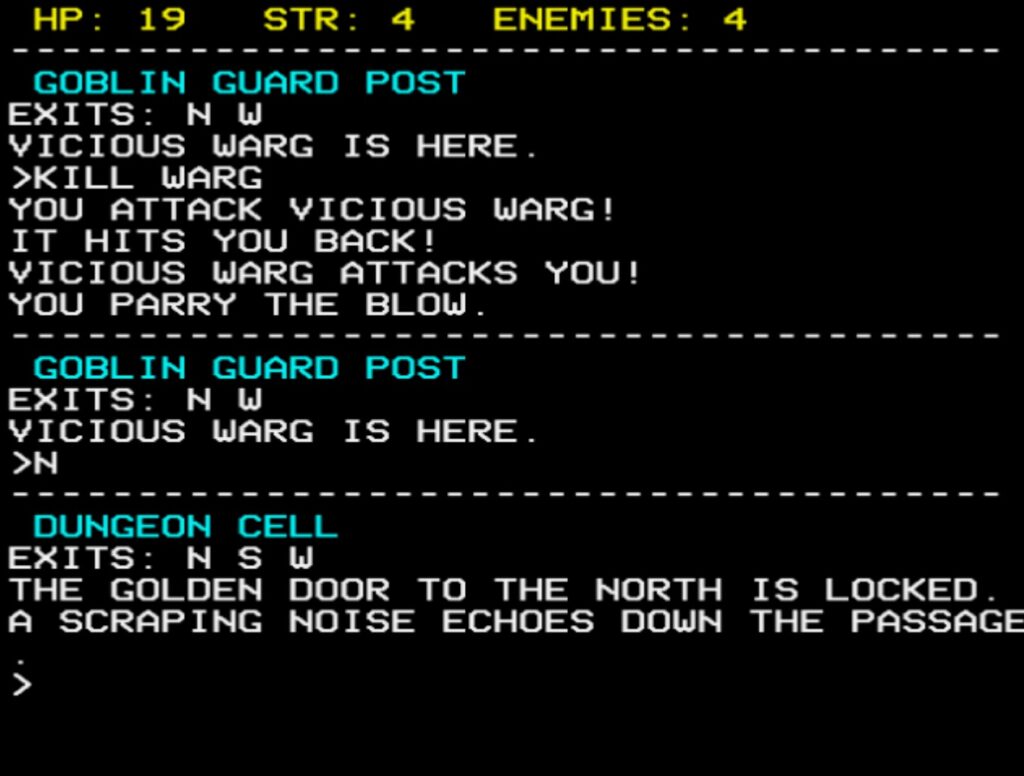
But the effort was worth it. The cave system is a living MUD-lite. If a wandering Goblin hits a locked door, he’ll turn around—unless he happened to find the matching key on the floor a few turns ago, in which case he’ll unlock it! If Gandalf crosses paths with the Great Goblin, they will fight to the death. If you are a room away when this happens, you might just read: “You hear a lock click,” or “A scraping noise echoes down the passage.”
It is a game where you are not the center of the universe. You are just trying to survive it.
How to Play: Surviving the Depths
Your overarching objective is to clear the caves of darkness. There are 5 hostile enemies (Gollum, the Vicious Warg, two nasty Goblins, and the Great Goblin). If you can eliminate them all, you win.
The Interface & Stats
At the top of the screen, you will see a fixed, non-scrolling yellow HUD tracking your vitals:
- HP (Hit Points): You start with 20. Take a hit, lose 1 HP. Hit 0, and you die in the dark.
- STR (Strength): You start at 4. (Hint: if you find and TAKE STING, your strength jumps to 6!)
- ENEMIES: The number of bad guys left alive. Friendly dwarves and Gandalf don’t count—and if they kill a goblin for you, this number will tick down!
The Commands
The parser is forgiving (case-insensitive) but strictly 1980s. Here is your survival toolkit:
- Movement: N, S, E, W, U (Up), D (Down).
- Look Around: L or LOOK.
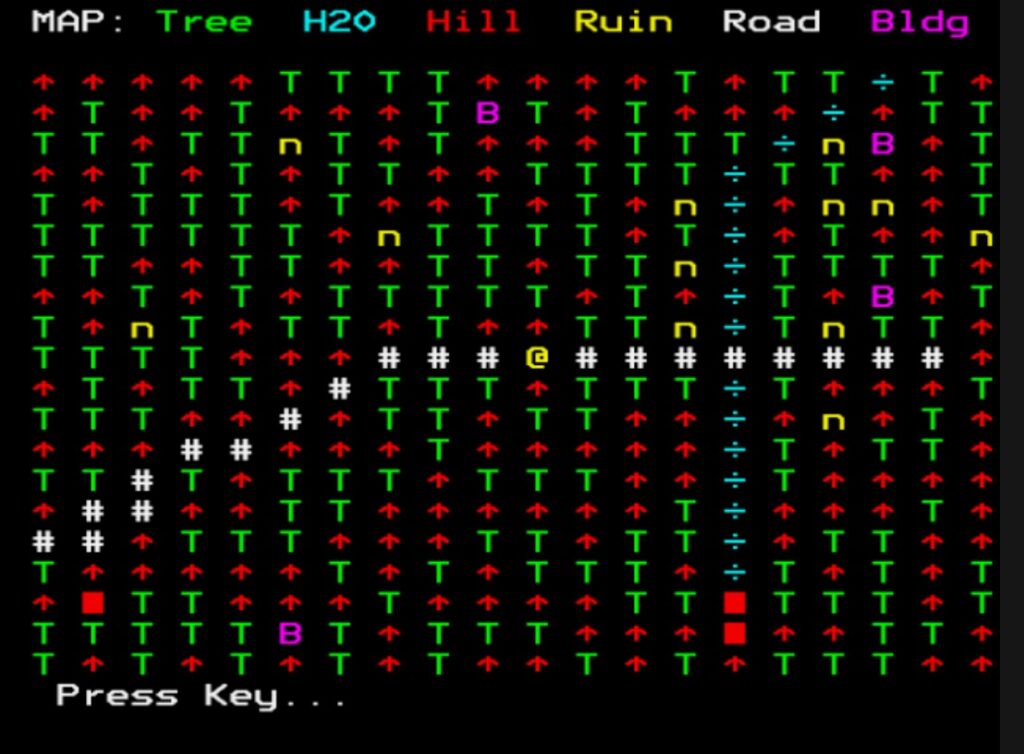
- The Auto-Mapper: Type M or MAP. This is a massive quality-of-life feature! It pauses the game and draws a complete Teletext map of everything you have explored on both the Upper and Lower levels.
- Inventory: I, INV, or INVENTORY.
- Item Management: TAKE [ITEM] and DROP [ITEM]. (e.g., TAKE STING, DROP KEY).
- The Ring: WEAR RING grants you 10 turns of invisibility. Enemies will not ambush you, and if you attack them, they will thrash blindly in the dark! Type REMOVE RING to take it off.
- Doors: Four colored doors (Golden, Curious, Iron, Red) block your path. Use OPEN, CLOSE, LOCK, and UNLOCK to interact with them (assuming you have the right key!).
- Combat: Type FIGHT, ATTACK, or KILL (e.g., FIGHT GOBLIN).
- Spying: Type NPC at any time to pull up a debug screen showing which NPCs are alive, dead, and exactly what items they have looted from the map!
The Real-Time Twist
While it is a turn-based text adventure, it is also watching the clock. If you sit at the > prompt for 30 seconds without pressing a key, the game will automatically execute a WAIT command. The world will tick forward, enemies will move, and you might suddenly find yourself ambushed by a Warg while you were sipping your tea!
Ready to Descend?
If you want to step back into 1984, fire up a BBC Micro emulator (like BeebEm, B-Em, or JSBeeb in your browser), paste in the code, and type RUN.
Keep your wits sharp, let the dwarves do the heavy lifting if you can, and whatever you do… listen closely to the noises in the dark.